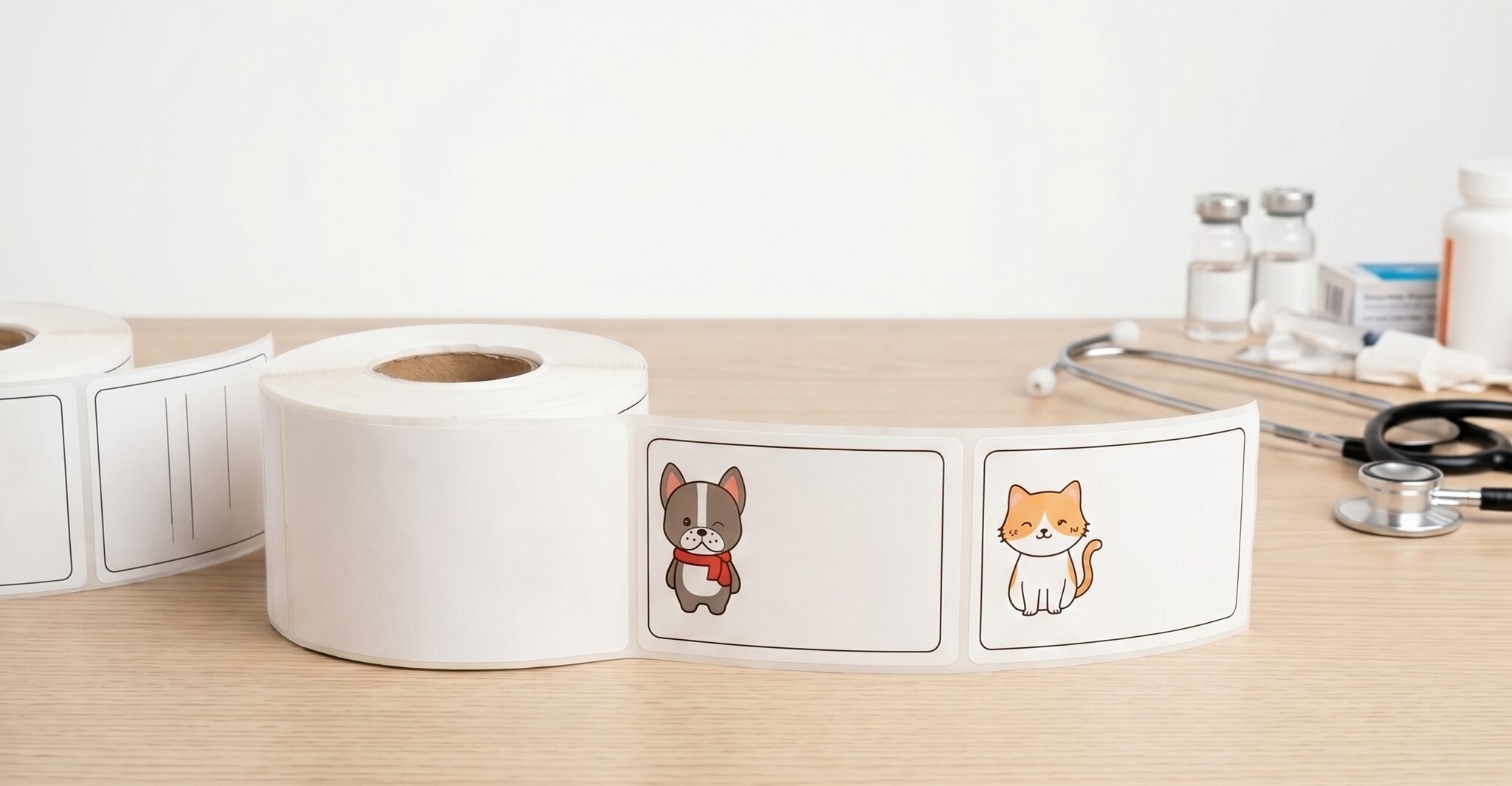

Hospitals rely on accurate medication labeling to support safe drug preparation and administration. Many healthcare facilities use the Codonics Safe Label System (SLS) to produce standardized labels for syringes, IV bags, and medications prepared in hospital pharmacies.
These labels include critical details such as drug identification, barcodes, expiration information, and color-coded warnings. When printed and applied correctly, they help clinicians verify medications before administration and reduce the risk of medication errors.
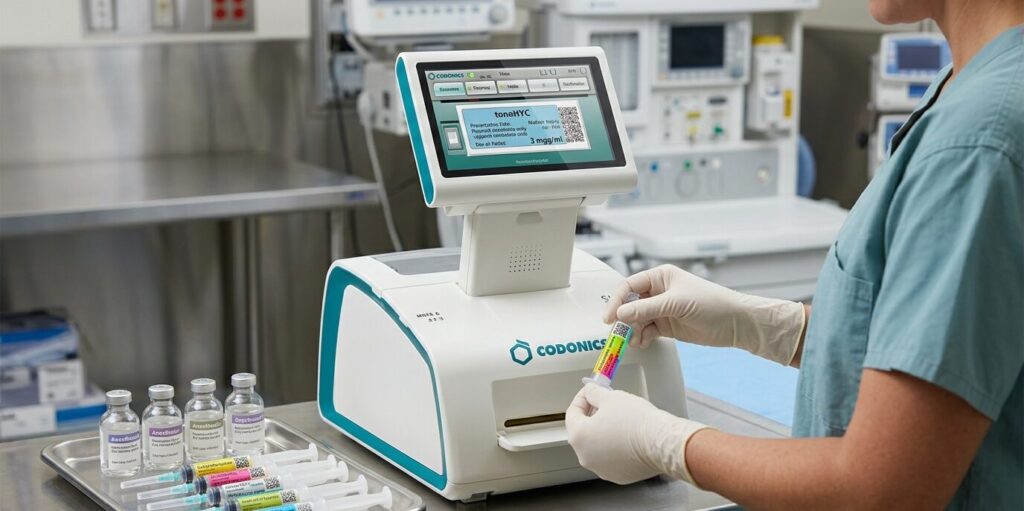
Like any automated printing system, however, Codonics printers and labels can occasionally present operational challenges. Understanding how the Safe Label System works and how to troubleshoot common issues can help pharmacy teams maintain reliable labeling workflows.
The Codonics Safe Label System is designed to create standardized medication labels directly where medications are prepared. According to the information provided on the official Codonics Safe Label System page, the system helps improve medication safety by generating labels that clinicians can verify before administering the medication.
These labels typically include several key elements that support medication identification and verification:
These labels are applied to syringes and medication containers so that clinical staff can quickly confirm medication details at the point of care. By standardizing how medications are labeled, the Safe Label System helps reduce the risk of drug misidentification and supports safer medication administration practices.
Healthcare organizations that use this system depend on reliable label materials that are designed specifically for SLS printers. Nev’s Ink manufactures Codonics-compatible labels designed to work with these printers, at a steep discount without sacrificing quality.
One of the most common issues reported by users of the Safe Label System involves the SLS 550i printer displaying an error indicating that labels are not loading correctly. This typically happens when the printer cannot detect the label gap or the label roll is not positioned correctly.
If the label roll is not seated correctly inside the printer, the printer may fail to detect the labels. Make sure the roll sits securely within the guides and can rotate freely as the printer feeds labels.
SLS printers rely on sensors to detect the space between labels. If the labels are misaligned or the spacing is inconsistent, the printer may not recognize the label roll. Removing and reinstalling the roll can often fix this issue.
Dust, adhesive buildup, or small debris inside the printer can interfere with label feeding. Opening the printer and checking the feed path can help identify any obstruction to the sensors or rollers.
If the label roll appears properly installed but the printer still reports loading errors, restarting the device can reset the label detection system and restore normal operation.
Label stock that is not designed for the Codonics Safe Label System can cause feed problems and printing errors. Using compatible labels manufactured specifically for SLS printers helps ensure proper loading and consistent print quality.
Another common challenge with medication labeling systems involves print clarity and label adhesion.
Labels used in medication preparation environments must produce sharp, readable text while remaining securely attached to syringes, IV bags, and medication containers. If printed information smears or labels detach during handling, clinicians may be unable to confirm medication details at the point of care.
Labels designed for the Safe Label System are manufactured with coatings that support high-resolution printing and adhesives that bond reliably to common medical surfaces. When compatible labels are used, hospitals typically experience fewer printing problems and more consistent label performance.
Small issues with label performance can quickly turn into workflow delays in a busy pharmacy. When printers stop feeding correctly or labels don’t apply as expected, teams lose time troubleshooting instead of focusing on medication preparation.
Keeping the Safe Label System running consistently typically comes down to a few practical factors:
When those elements are in place, teams can rely on clear, consistent labeling throughout the medication process.
Many hospitals order label stock directly from the printer manufacturer. While this approach is common, it often results in higher supply costs.
Healthcare organizations can often purchase Codonics SLS-compatible labels from experienced medical label manufacturers at a lower cost while maintaining the same printer compatibility and labeling performance.
Nev’s Ink manufactures SLS labels specifically designed for the Codonics Safe Label System. These labels are tested for proper sizing, print compatibility, and adhesion so they work reliably with SLS printers used in hospital pharmacies.
Hospitals that source their labels from Nev’s Ink can often reduce label supply costs by 30-50% compared to purchasing directly from the equipment manufacturer.